Managing Temporary Works: Classification, Control, and Compliance
Introduction
Temporary works are the structures and systems that are needed to support, protect, or provide access during the construction of the permanent works, but which do not form part of the finished project. They include formwork and falsework, scaffolding, shoring and propping, temporary support to excavations, cofferdam systems, temporary access roads and bridges, crane bases, and many other elements. Despite the word "temporary", these structures often carry loads comparable to the permanent works and can be subject to significant environmental forces such as wind, water, and ground movement.
The consequences of a temporary works failure can be catastrophic — structural collapse, entrapment, and fatalities. The industry recognised this decades ago, and the management of temporary works in the UK is governed by BS 5975, the Code of Practice for Temporary Works Procedures and the Permissible Stress Design of Falsework. Under BS 5975, every construction site is required to have a documented temporary works management system, and the principal contractor must appoint key duty holders to oversee it.
Key Roles: TWC and TWS
BS 5975 defines two primary roles in the temporary works management system. The Temporary Works Coordinator (TWC) is responsible for ensuring that the management procedures are implemented on site. The TWC maintains the temporary works register, ensures that designs are checked and approved before work starts, coordinates inspections, and manages the process for loading, altering, and dismantling temporary works. The TWC must be competent — meaning they have the training, experience, and knowledge appropriate to the complexity of the temporary works on the project.
The Temporary Works Supervisor (TWS) is responsible for the day-to-day supervision of temporary works on site. The TWS ensures that the temporary works are erected in accordance with the approved design, that any deviations are reported to the TWC, and that inspections are carried out at the required intervals. On smaller projects, the TWC and TWS may be the same person. On larger projects with complex temporary works, there may be multiple supervisors reporting to a single coordinator.
Classifying Temporary Works by Risk
Not all temporary works carry the same level of risk, and BS 5975 recognises this by allowing temporary works to be classified into categories based on their complexity and the consequences of failure. A common classification system uses three categories. Category 1 covers low-risk, routine temporary works such as simple trench support, basic propping, and small-scale scaffolding. These can often be managed using standard details and method statements without a bespoke design. Category 2 covers medium-risk temporary works that require a specific design but are within the experience of the site team — for example, formwork to reinforced concrete structures, larger scaffold configurations, and temporary road crossings. Category 3 covers high-risk and complex temporary works such as deep cofferdam systems, heavy-duty falsework, temporary bridges, and any situation where the consequences of failure could be severe.
A temporary works class matrix in Excel provides a structured tool for carrying out this classification. The user enters the type of temporary work, the height or depth, the loads involved, the ground conditions, the proximity of third parties, and other relevant factors. The matrix then determines the risk category and the corresponding management requirements — for example, whether a Category 3 design check by an independent checker is required, or whether the temporary works can be managed under a Category 1 standard detail. This classification must be documented and recorded in the temporary works register before the work begins.
The Temporary Works Register
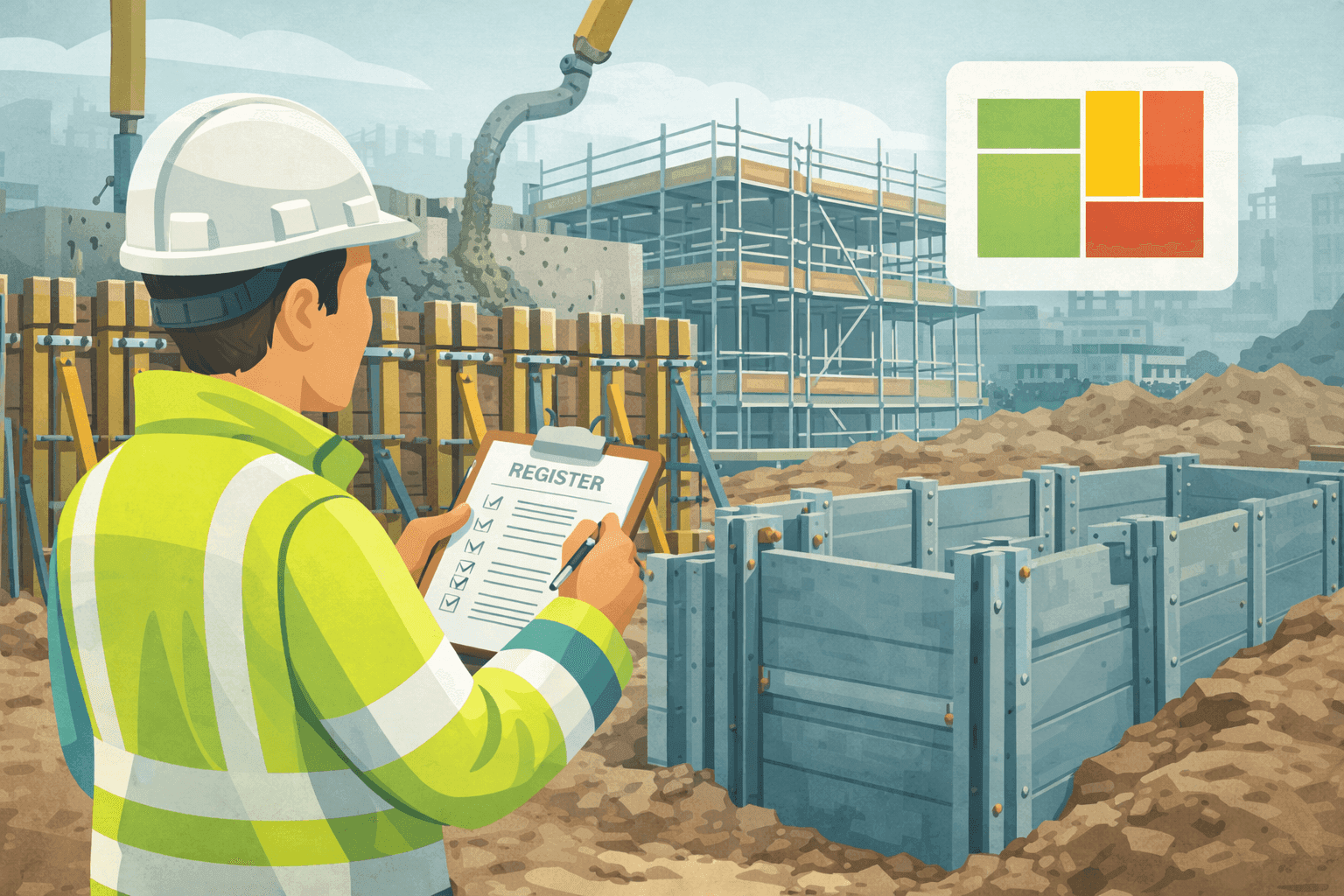
The temporary works register is the central document in the management system. It records every temporary works item on the project, from the initial identification of the need through to the final dismantling. For each item, the register should record a unique reference number, a description of the temporary works, the classification category, the design status (designed, checked, approved), the inspection status, the dates of loading and striking, and the current status (planned, in place, struck).
Maintaining the register in Excel provides significant advantages over paper-based systems. The register can be filtered by status, by category, or by location, making it easy to answer questions like "how many Category 2 temporary works items are currently in place?" or "which items are overdue for inspection?". Conditional formatting can highlight items where the design has not yet been approved, where an inspection is overdue, or where the striking date has passed but the status has not been updated. A dashboard summary can show the total number of active temporary works items by category, the design and inspection compliance rates, and any items requiring urgent attention.
Concrete Pour Management
One of the most common temporary works activities on a civil engineering site is the construction and striking of formwork for concrete pours. The formwork design must account for the weight and pressure of wet concrete, the method and rate of placing, the height of the pour, and the ambient temperature. Once the concrete has been placed, the formwork must remain in place until the concrete has achieved sufficient strength to be self-supporting — and demonstrating this requires records of the pour date, the concrete mix, the curing conditions, and the cube or cylinder test results.
A concrete pour register in Excel tracks every pour on the project, recording the pour reference, the structural element, the date and time of the pour, the concrete specification, the supplier, the volume placed, the slump test results, and the cube test results at seven and twenty-eight days. The register calculates whether the concrete has achieved the required early-age strength for formwork striking based on the BS EN 13670 requirements and the specified striking criteria. This information feeds directly into the temporary works register, ensuring that formwork is not struck prematurely and that the striking decision is documented and defensible.
Ladder and Access Permits
While ladders are a relatively simple piece of equipment, their use on construction sites is controlled by the Work at Height Regulations 2005 and requires a documented risk assessment. On many sites, ladder use is managed through a permit system that ensures the user has assessed the task, confirmed that a ladder is the most appropriate equipment (in accordance with the hierarchy of controls), and checked that the ladder is in good condition and correctly positioned.
A dynamic ladder and stepladder permit in Excel automates this process. The user completes a series of assessment questions covering the task, the duration, the height, the ground conditions, and the ladder condition. Based on the answers, the permit either approves the ladder use with conditions or recommends an alternative form of access equipment. The completed permit is saved with a unique reference, the date, the user's name, and the location, creating an auditable record of every ladder use on site. This is particularly valuable during safety audits, where demonstrating that ladder use is controlled and documented is a common area of focus.
Conclusion
Temporary works management is a critical safety discipline that protects both the workforce and the permanent structure during construction. The BS 5975 framework provides a clear set of procedures, but implementing them effectively requires practical tools that the site team will actually use. A temporary works class matrix, a temporary works register, a concrete pour register, and a ladder permit system — all managed in Excel — provide the structure, visibility, and auditability that the standard requires. They ensure that every temporary works item is classified, designed, inspected, and struck in a controlled manner, and that the records are available when the auditor, the client, or the regulator asks to see them.
Build Better Sites with Our Templates
The templates and systems discussed in this article can save your team hours every week. Explore our full product range to find tools that match your workflow.
Explore Products